
- Analytics / ERPIndustry
- RevOps & analytics teamsClient
- AI AgentsCategory
- Phased rolloutTime to impact
The challenge
- Dashboards show numbers but not meaning.
- People stare at charts trying to work out what changed and what to do, and the answer is usually buried in the ERP.
Sits on your ERP and turns static dashboards into ones you can ask, that surface what matters.
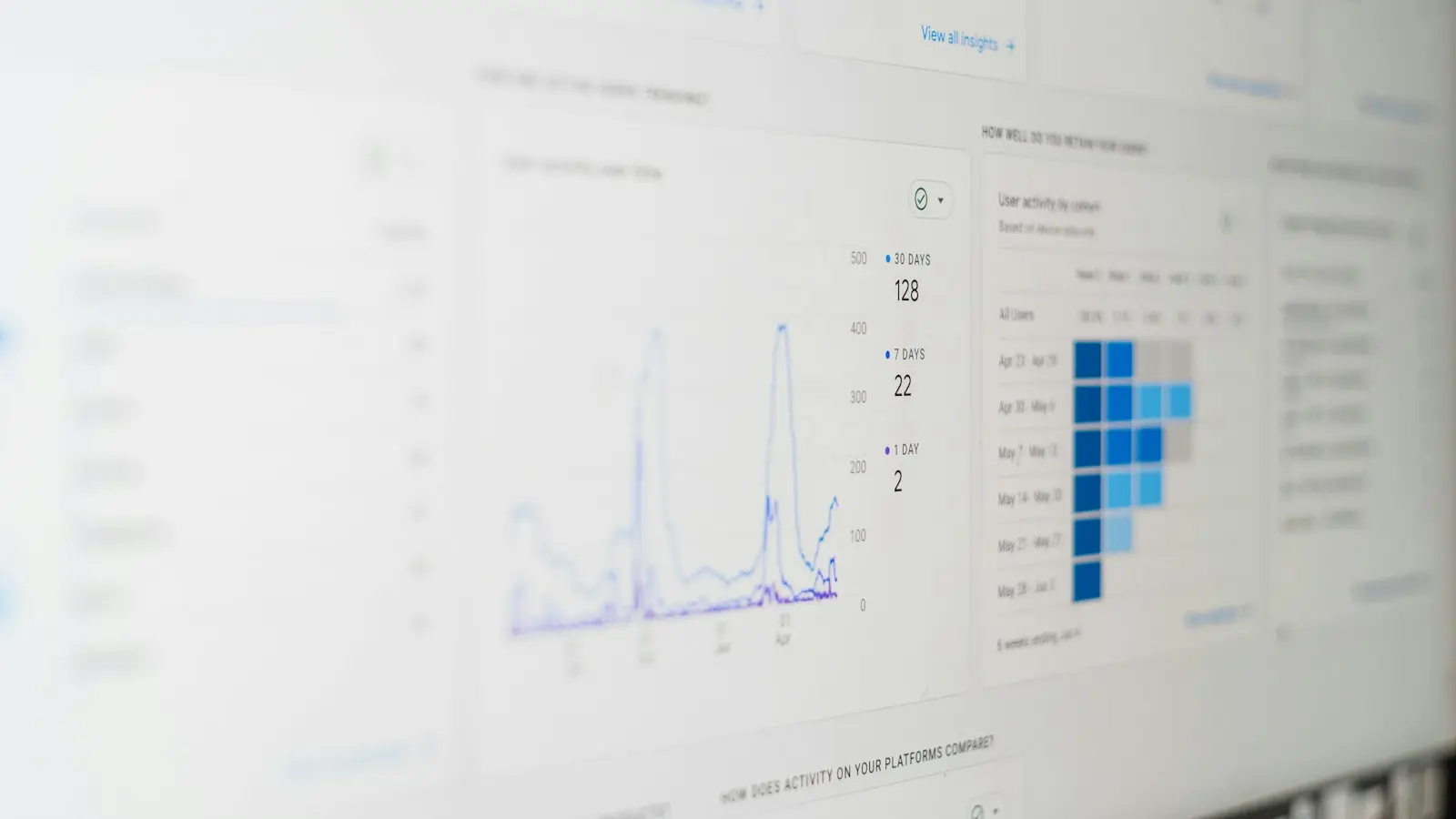
A Customer 360 agent that attaches to your ERP and makes dashboards interactive. Ask questions in natural language, get analytics on the fly, and surface the insights and actions that actually move the business.
What we built
- 01Attaches directly to your ERP data.
- 02Makes dashboards interactive and conversational.
- 03Runs analytics on demand to answer questions.
- 04Surfaces the insights and actions that create impact.
How it works
What it can do
ERP-attached
Reads directly from your ERP data.
Interactive dashboards
Ask your dashboards in natural language.
On-demand analytics
Runs the analysis to answer the question.
Insight to action
Surfaces what changed and what to do.
Who stays in the loop
The call the system deliberately does not take, and what the person is given to take it with.
A Customer 360 agent that attaches to your ERP and makes dashboards interactive
The analyst or RevOps owner
Decideswhat the numbers mean, and what to do next
Seesthe answer with the query and the ERP fields it was computed from
The payoff
What is different once it is running. No invented numbers: these are the changes the work was built to make.
Instead of reading a dashboard, you ask it, and it tells you what changed, why, and what to do.
Ask a dashboard instead of decoding it.
Insights surfaced, not buried in the ERP.
Clear actions, not just numbers.
Built with
The layers this runs on, from what comes in to what it plugs into.
- Model layer
- LLM
- Analytics
- Connects to
- ERP integration
Common questions
The same answers as above, written out.
A Customer 360 agent that attaches to your ERP and makes dashboards interactive. Ask questions in natural language, get analytics on the fly, and surface the insights and actions that actually move the business.
Dashboards show numbers but not meaning. People stare at charts trying to work out what changed and what to do, and the answer is usually buried in the ERP.
Connect the agent to your ERP. Ask your dashboards in natural language. It analyses and surfaces insights and actions.
The analyst or RevOps owner decides what the numbers mean, and what to do next. They see the answer with the query and the ERP fields it was computed from.
Model layer: LLM, Analytics. Connects to: ERP integration.
Ask a dashboard instead of decoding it. Insights surfaced, not buried in the ERP. Clear actions, not just numbers.
Where this fits
The practice it belongs to, how an engagement like it runs, and what we have written about the subject.
- Agents
- Analytics
- ERP
- Dashboards
 Artificial Intelligence
Architecting AI Agent Systems: A Strategic Framework for Production Deployment
Choosing the right LLM framework is a strategic business decision that determines scalability, cost control, and system resilience. Learn how to handle the trade-offs between speed, flexibility, and governance when building production-grade AI automation.
Frederico VicenteNov 202512 min read
 Artificial Intelligence
Model Context Protocol: Standardizing Context and Tool Integration for Agentic AI
As LLMs evolve from stateless prompt responders to stateful, tool-using agents, fragile hand-wired orchestration is breaking down. MCP provides a vendor-neutral protocol for connecting models with structured context, tools, and external systems at runtime.
Frederico VicenteNov 202515 min read
 Business & Operations
Optimising your operations with AI: start with the process, not the model
A practical playbook for optimising operations with AI: find the one slow step, automate it, keep a person in the loop, and measure the before and after.
Miguel Vicente JrJun 202612 min read
Other projects in this line.


Bring us the problem nobody has cracked yet.
We are a small team of senior specialists. We pick the right model and the right layer, and we build the least machinery that does the job. You get a call with an engineer, not a sales deck.